How to Make Your First GCash Deposit on Power Win
Prerequisites: What You Need Before You Deposit
Before you can make your first GCash deposit on Power Win, you need two things ready on your phone.
First, you need a verified Power Win account. That means you have already completed Power Win register, uploaded a valid government ID, and received confirmation that your account is active. If you have not finished registration yet, you must complete that step first. Power Win requires ID verification before processing any deposit.
Second, you need an active GCash wallet with enough balance to cover your deposit. Your GCash account should be fully verified—linked to your mobile number and loaded with pesos. If your GCash balance is zero, load it first through any 7-Eleven, bank transfer, or remittance center before attempting to deposit into Power Win.
Most Filipino players start with PHP 100 to PHP 500 for their first deposit. Check that your GCash wallet has at least that amount plus a small buffer for any service fees, though GCash deposits on Power Win typically do not charge extra fees.
Step-by-Step: Selecting GCash as Your Deposit Method
Once you have logged in to Power Win, look for the deposit or cashier section. On most mobile screens, you will find a "Deposit" button near the top of the page or inside the main menu.
Tap that button and you will see a list of deposit methods available to Filipino players. Power Win supports GCash, Maya, bank transfer via InstaPay, and PESONet. For this guide, select GCash from the list.
After selecting GCash, the system will prompt you to enter the amount you want to deposit. Power Win sets a minimum deposit amount—usually PHP 100—and a maximum that varies depending on your account status. For your first deposit, it is wise to start small. Enter an amount between PHP 100 and PHP 500.
Double-check the number you typed. If you enter PHP 1000 when you meant PHP 100, you cannot reverse the transaction once it is processed. When you are sure the amount is correct, tap "Continue" or "Proceed."
Entering Your GCash Mobile Number and Authentication
The next screen will ask you to enter the mobile number linked to your GCash wallet. This must be the exact 11-digit number you used when you registered your GCash account. Power Win uses this number to route your payment correctly.
Type your number carefully. A single wrong digit will cause the transaction to fail or send your money to the wrong GCash account. The format is usually 09XX-XXX-XXXX. Some platforms auto-format the number; others ask you to type it without spaces or dashes.
Once you submit your mobile number, Power Win will redirect you to the GCash authentication page. This may open inside the Power Win app or in your mobile browser, depending on how you are accessing the site.
On the GCash page, you will be asked to log in to your GCash account using your MPIN—the four- to six-digit code you created when you set up GCash. Enter your MPIN to authorize the transaction.
After entering your MPIN, GCash will display a summary of the transaction: the amount you are sending, the recipient (Power Win or its payment processor), and any fees. Review this information. If everything looks correct, tap "Confirm" or "Pay Now."
You may also receive a one-time PIN (OTP) via SMS to your registered mobile number as an extra security step. Enter that OTP within the time limit—usually 60 seconds—to complete the authentication.
Typical Processing Time and Checking Your Power Win Balance
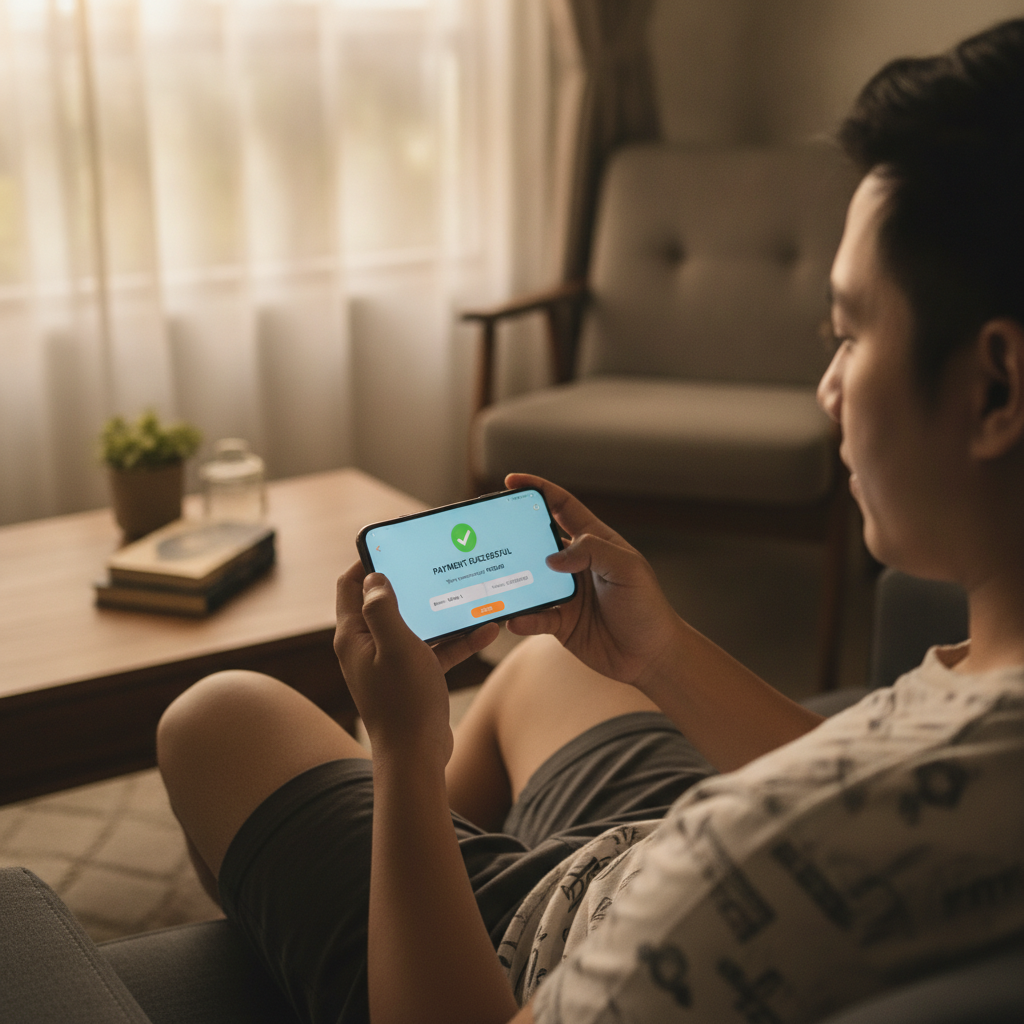
Most GCash deposits on Power Win are processed instantly. Within seconds of confirming the payment in your GCash app, the money should appear in your Power Win account balance.
To verify that your deposit went through, return to the Power Win homepage or dashboard. Look for your balance display, usually shown at the top of the screen next to your username. Refresh the page if the balance has not updated yet.
If the deposit was successful, you will see the new balance reflect the amount you just added. For example, if your Power Win balance was zero and you deposited PHP 200, your balance should now read PHP 200.00.
In rare cases, a GCash deposit may take a few minutes to process, especially during peak hours or if there is a temporary issue with the payment gateway. If your balance does not update after five minutes, check your GCash transaction history to confirm the payment was deducted from your wallet.
Open the GCash app, tap "Transaction History," and look for the most recent payment to Power Win. If the transaction shows as "Success" or "Completed" in GCash but your Power Win balance has not changed, contact Power Win customer support. Provide your transaction reference number and the exact time and amount of the deposit.
Do not attempt to deposit again until you have confirmed what happened to the first transaction. Duplicate deposits can cause confusion and delay resolution.
How to Use Your Deposited Balance
Once your GCash deposit is confirmed and your Power Win balance is updated, you can start playing. Your deposited pesos can be used across all game categories on the platform: slots and jackpot games, live dealer tables such as baccarat and blackjack, and sports betting on PBA, NBA, volleyball, and other events.
To play slots, browse the game lobby and tap any slot title that interests you. Most slot games on Power Win accept bets starting from PHP 1 or PHP 5 per spin, so a PHP 100 deposit gives you plenty of spins to try different games.
If you prefer live dealer games, look for the "Live Casino" section. Minimum bets at live tables are typically higher than slots—often PHP 50 to PHP 100 per hand—so budget accordingly.
For sports betting, navigate to the sportsbook and select an event. Power Win offers betting on Philippine Basketball Association (PBA) games, NBA matches, volleyball, football, and other sports. Minimum bet amounts vary by event and bet type but usually start around PHP 20 to PHP 50.
Keep track of your balance as you play. Power Win displays your current balance on every screen, so you always know how much you have left to bet.
Responsible Gambling: Start Small and Set Limits
Power Win is restricted to players aged 21 and above. By depositing money and playing, you confirm that you meet this age requirement.
For your first deposit, it is smart to start with a small amount—PHP 100 or PHP 200—rather than a larger sum. This gives you a chance to explore the platform, try a few games, and learn how Power Win works without risking more than you are comfortable losing.
Set a personal deposit limit before you begin. Decide in advance how much you are willing to deposit in a week or a month, and stick to that limit. GCash makes it easy to load money quickly, which can lead to overspending if you are not careful.
Remember that casino games and sports betting carry risk. There is no guaranteed way to win, and it is entirely possible to lose your entire deposit. Only deposit money you can afford to lose—money that is not needed for bills, rent, food, or other essentials.
If you find yourself depositing more than planned, chasing losses, or feeling stressed about gambling, take a break. Power Win and other online casinos are meant to be entertainment, not a source of income.
Many Filipino players enjoy Power Win as a way to relax and try their luck on a weekend, but responsible gambling means knowing when to stop. Set a time limit for each session, and log out when your balance runs low or when you have played for as long as you intended.
Troubleshooting Common GCash Deposit Issues
Even though GCash deposits are usually fast and smooth, problems can happen. Here are a few common issues and what to do about them.
Wrong mobile number entered: If you typed the wrong GCash number, the transaction may fail immediately, or the money may be sent to another user. Always double-check your number before confirming.
Insufficient GCash balance: If your GCash wallet does not have enough pesos to cover the deposit, the transaction will be declined. Load your GCash wallet first, then try again.
MPIN entered incorrectly: Too many wrong MPIN attempts will lock your GCash account temporarily. If you forgot your MPIN, reset it through the GCash app before attempting another deposit.
OTP not received: If the one-time PIN does not arrive via SMS, check that your mobile number is active and has signal. You can also request the OTP to be resent.
Deposit deducted from GCash but not credited to Power Win: This is the most frustrating issue, but it is rare. If this happens, keep your GCash transaction receipt (take a screenshot) and contact Power Win support immediately. Most payment mismatches are resolved within 24 hours.
What Happens After Your First Deposit
After your first successful GCash deposit, future deposits become even faster. Power Win may save your GCash mobile number, so you only need to enter the amount and authenticate in your GCash app.
You can deposit again anytime your balance runs low. There is no limit to how many times you can deposit in a day, though Power Win may set daily or monthly deposit caps depending on your account level.
Each deposit follows the same process: select GCash, enter the amount, provide your mobile number (if not saved), authenticate with your MPIN and OTP, and wait a few seconds for the balance to update.
Keep receipts or screenshots of every deposit for your own records. If you ever need to review your transaction history or resolve a dispute, having proof of payment makes the process much easier.
Final Tips for New Power Win Players
- Use your own GCash account. Never deposit using someone else's GCash wallet. Power Win requires that the name on your GCash account matches the name on your Power Win account for security and verification purposes.
- Start with the minimum. PHP 100 is enough to try several games and get a feel for the platform. You can always deposit more later.
- Check your balance after every deposit. Make it a habit to confirm that your deposit was credited before you start playing.
- Save customer support contact details. If anything goes wrong, you will want quick access to Power Win's live chat or email support.
Power Win login is simple once your account is funded. With your first GCash deposit complete, you are ready to explore slots, live dealer tables, and sports betting on PBA and NBA games—all from your phone, in pesos, with the e-wallet you already use every day.
Always gamble responsibly. Power Win is for players 21 and older. Set limits, play for fun, and never bet more than you can afford to lose.