Understanding Power Win Account Verification: ID and Selfie Requirements
Understanding Power Win Account Verification: ID and Selfie Requirements
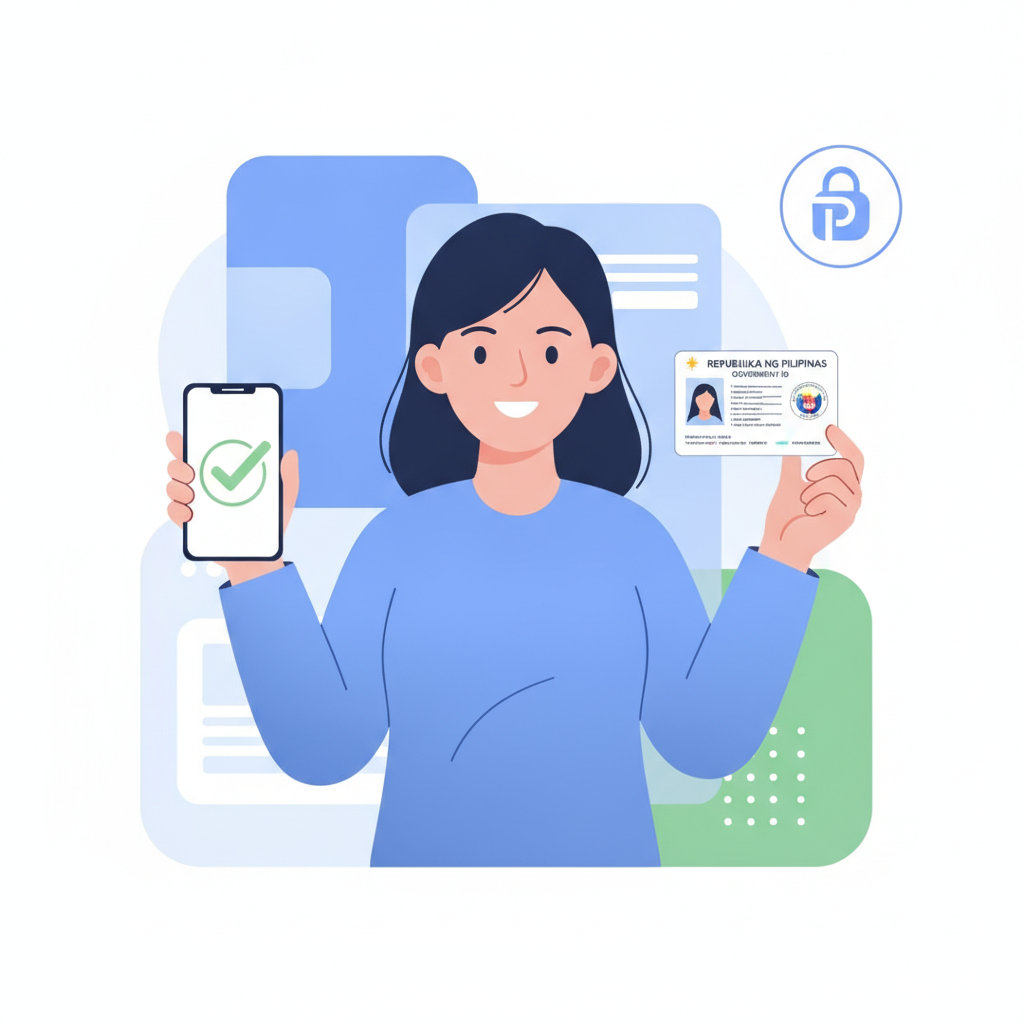
When you create a Power Win account, you can browse games and explore the sportsbook right away. But before you can deposit money or place real bets, Power Win will ask you to verify your identity by uploading a government-issued ID and a selfie. This guide explains why verification is required, which documents are accepted, and how to complete the process on your phone.
Power Win is an online casino and sportsbook that serves players across the Philippines. The platform offers slots, live dealer tables, sports betting on PBA, NBA and volleyball, plus bingo. Most Filipino players use the mobile site on Android devices, depositing through GCash, Maya, or bank transfer.
This guide is for players 21 years old and above only. Account verification confirms your age and protects your account. If you think you may have a gambling problem, seek help from a trusted family member or professional counselor.
Why ID Verification Is Required for Filipino Players on Power Win
Power Win requires every player to verify their identity before making a first deposit. This process serves several purposes:
Age confirmation. Philippine regulations and responsible gambling standards require online betting sites to confirm that every player is at least 21 years old. Your government ID shows your birth date, which Power Win checks to enforce the age requirement.
Account security. Verification links your account to your real identity. If someone tries to access your account without permission, or if you need to recover a forgotten password, Power Win can confirm that you are the legitimate account holder.
Payment protection. When you deposit or withdraw pesos through GCash, Maya, InstaPay or PESONet, Power Win matches the name on your account to the name on your e-wallet or bank account. This reduces fraud and ensures your winnings go to the correct person.
Regulatory compliance. Online gambling platforms operate under industry standards that require customer identity checks. Power Win follows these procedures to maintain its standing as a legitimate online casino in the Philippines.
You only need to complete verification once. After your documents are approved, you can deposit, play, and request withdrawals without submitting new ID photos each time.
Accepted ID Documents: Valid Government IDs, Passport, Driver's License
Power Win accepts several types of Philippine government-issued identification. Your ID must be current (not expired) and show your full name, photo, birth date, and ID number.
Commonly accepted documents include:
- Philippine passport – The data page that shows your photo and personal details.
- Driver's license – Front side of a valid LTO driver's license.
- UMID (Unified Multi-Purpose ID) – Issued by SSS, showing your photo and details.
- PhilHealth ID – The card format with your photo.
- Postal ID – Issued by PHLPost, with photo and signature.
- Voter's ID (Comelec) – The official voter registration card with photo.
- PRC ID – Professional Regulation Commission ID for licensed professionals.
- National ID (PhilSys) – The new national identification card, front side.
What Power Win looks for:
- Your full legal name must match the name you used when you registered your Power Win account.
- The ID must clearly show your date of birth, confirming you are 21 years old or older.
- The photo on the ID should be recognizable and not damaged or obscured.
- All four corners of the ID should be visible in your photo – do not crop the image too tightly.
IDs that are typically not accepted:
- Company or school IDs
- Barangay IDs or certificates
- Expired government IDs
- Photocopies or printed screenshots (you must photograph the physical card)
If your ID is worn or damaged, try to photograph it in good lighting so that all text and your photo are legible. If Power Win cannot read key details, they may ask you to submit a different ID.
How to Upload Your ID and Selfie Through the Power Win Mobile Dashboard
Most Filipino players complete verification on their Android phone. The process takes about five minutes if you have your ID ready.
Step 1: Log in to Your Power Win Account
Open the Power Win mobile site in your browser or use the Power Win app if you have installed it. Enter your username and password to log in. If you have not yet registered, complete the Power Win sign-up form first – you will need a valid mobile number and email address.
Step 2: Navigate to the Verification Section
After logging in, tap the menu icon (usually three horizontal lines or a profile icon in the top corner). Look for an option labeled Account, Profile, or Verification. The exact wording may vary, but verification is typically found under account settings.
If Power Win requires verification before your first deposit, you may see a prompt or notification as soon as you log in, with a button that says Verify Now or Complete Verification.
Step 3: Upload a Photo of Your ID
When you reach the verification page, you will see a field for uploading your ID. Tap the Choose File or Upload button.
Your phone will ask whether you want to take a new photo or choose an existing image from your gallery. For best results, take a new photo:
- Place your ID on a flat surface with a plain, contrasting background (a dark ID shows up well on a white table).
- Make sure the room is well lit. Avoid shadows or glare from overhead lights.
- Hold your phone directly above the ID and frame the shot so all four corners are visible.
- Tap to focus, then capture the photo.
- Review the image to confirm that your name, photo, birth date, and ID number are clear and readable.
If the photo looks blurry or dark, delete it and take another. Once you are satisfied, upload the image through the Power Win form.
Step 4: Take and Upload a Selfie
Next, Power Win will ask for a selfie. This step confirms that the person in the ID photo is the same person creating the account.
How to take a verification selfie:
- Find a well-lit area – natural light from a window works well.
- Hold your phone at arm's length or use the front-facing camera.
- Make sure your entire face is visible and centered in the frame.
- Remove sunglasses, hats, or masks – your face should match the ID photo as closely as possible.
- Some platforms ask you to hold your ID next to your face in the selfie. Check the Power Win instructions to see if this is required.
- Take the photo, review for clarity, then upload.
Step 5: Submit and Wait for Review
After uploading both your ID and selfie, double-check that the images are clear. Then tap Submit or Send for Verification. Power Win will display a confirmation message letting you know that your documents are under review.
You can now close the verification page. You do not need to stay logged in while Power Win processes your submission.
Typical Verification Timeline and What Happens After Approval
How long does verification take?
Power Win usually reviews documents within 24 to 48 hours. During busy periods – such as major sporting events or holiday weekends – the process may take slightly longer.
Most players receive an email or SMS notification once their account is verified. The message will confirm that verification is complete and that you can now make your first deposit.
What if your documents are rejected?
If Power Win cannot approve your ID, you will receive a message explaining why. Common reasons include:
- The ID photo is too blurry or dark to read.
- The name on the ID does not match the name on your Power Win account.
- The ID has expired.
- The birth date shows you are under 21 years old.
If this happens, log back into your Power Win account, go to the verification section, and upload new images. Make sure your ID is current, clearly photographed, and that your account details are accurate.
After approval:
Once verified, you can proceed to make your first deposit. Power Win accepts deposits via GCash, Maya, InstaPay, and PESONet, with minimums typically starting around PHP 100. The name on your e-wallet or bank account should match your verified Power Win account name to avoid payment delays.
You will not need to verify your identity again unless you create a new account or Power Win requests updated documents in the future (for example, if your ID expires).
Responsible Gambling: 21+ Age Requirement, Verification Protects Your Account
Power Win is strictly for players 21 years old and above. The ID verification process enforces this age limit and helps protect minors from accessing online gambling platforms.
Verification also adds a layer of security to your account. By linking your real identity to your username, Power Win can assist you if you ever lose access, forget your password, or suspect unauthorized activity.
Responsible gambling reminders:
- Only deposit money you can afford to lose. Set a budget before you play.
- Take breaks. Online slots, live dealer games, and sports betting should be entertainment, not a source of income.
- If you find yourself chasing losses or betting more than you planned, step back and talk to someone you trust.
- Use Power Win's account limits or self-exclusion tools if you need help controlling your gambling.
For additional support, consider reaching out to local counseling services or responsible gambling organizations in the Philippines.
Ready to Verify Your Power Win Account?
Account verification is a one-time step that protects your identity, confirms your age, and unlocks full access to Power Win's casino games and sportsbook. Gather a valid government ID, log in to your Power Win account on your phone, and follow the upload process outlined above. Most players complete verification in a few minutes and receive approval within one to two days.
Once verified, you can make your first deposit using GCash, Maya, or bank transfer, explore the platform's slots and live dealer tables, and place bets on PBA, NBA, volleyball, and more – all from your mobile device.
Remember: Play responsibly. Power Win is for players 21+ only.